
Toyota Venza: Components
COMPONENTS
ILLUSTRATION
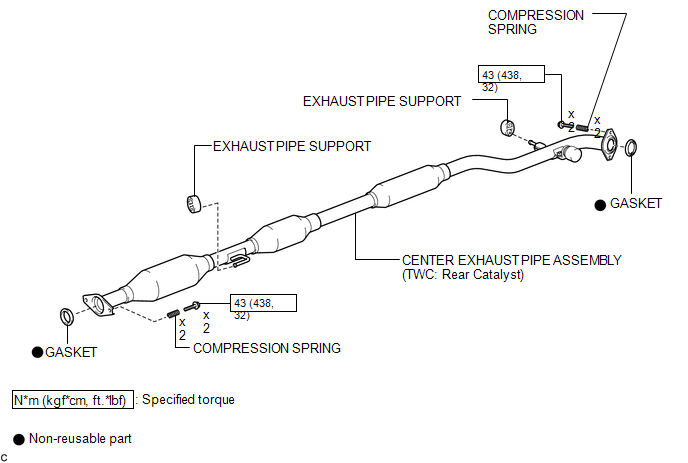
ILLUSTRATION
.png)
ILLUSTRATION
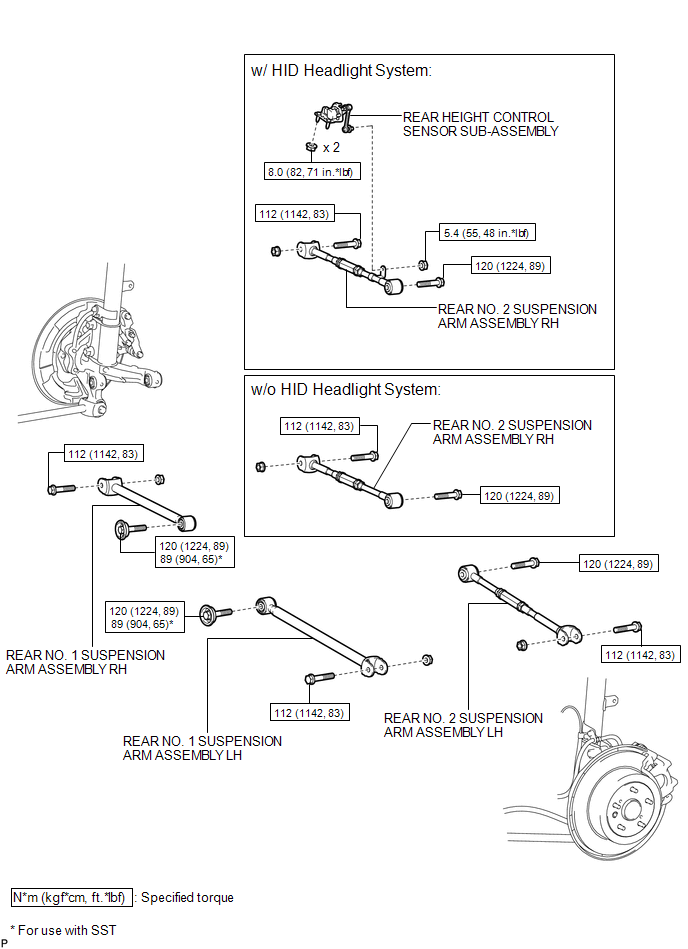
ILLUSTRATION
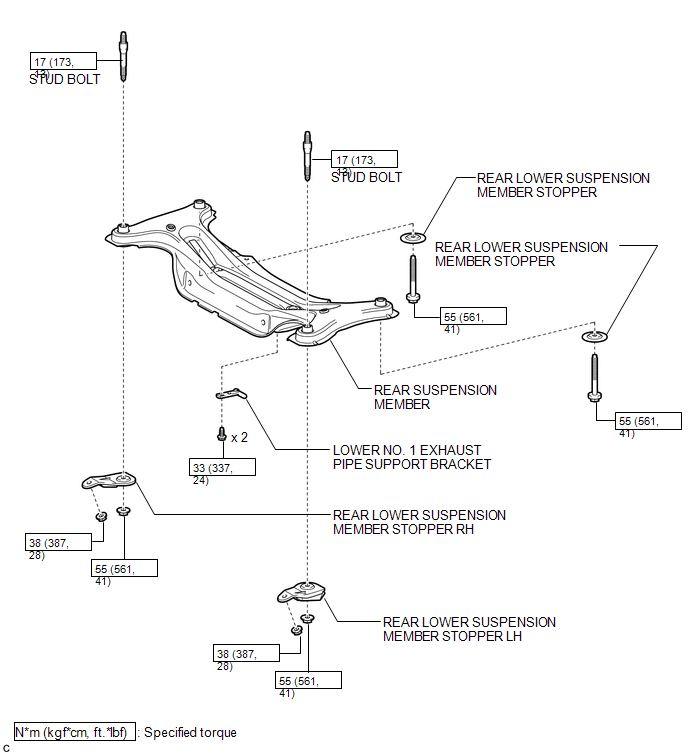
ILLUSTRATION
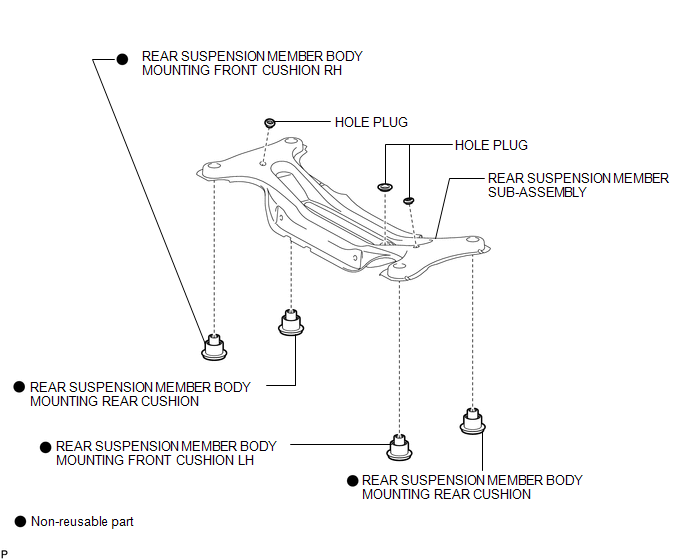

 Removal
REMOVAL
PROCEDURE
1. REMOVE REAR WHEELS
2. REMOVE CENTER EXHAUST PIPE ASSEMBLY
(a) Remove the center exhaust pipe assembly.
HINT:
Refer to the instructions for Removal of the exhaust pipe (See p ...
Other materials about Toyota Venza:
Cruise control
Use the cruise control to maintain a set speed without depressing the accelerator
pedal.
1. Indicators
2. Cruise control switch
- Set the vehicle speed
Press the “ON-OFF” button to activate the cruise control.
Cruise control indicator will ...
Removal
REMOVAL
PROCEDURE
1. REMOVE AUTOMATIC TRANSAXLE ASSEMBLY (for 2GR-FE)
See page
2. REMOVE AUTOMATIC TRANSAXLE ASSEMBLY (for 1AR-FE)
See page
3. REMOVE TRANSFER ASSEMBLY
(a) Remove the 2 bolts and 6 nuts.
...
Inspection
INSPECTION
PROCEDURE
1. INSPECT PRELOAD
(a) Using SST and a torque wrench, measure the preload of the backlash
between the driven pinion and ring gear.
SST: 09326-20011
Preload (at Starting):
Item
P ...

0.1697