
Toyota Venza: System Diagram
SYSTEM DIAGRAM
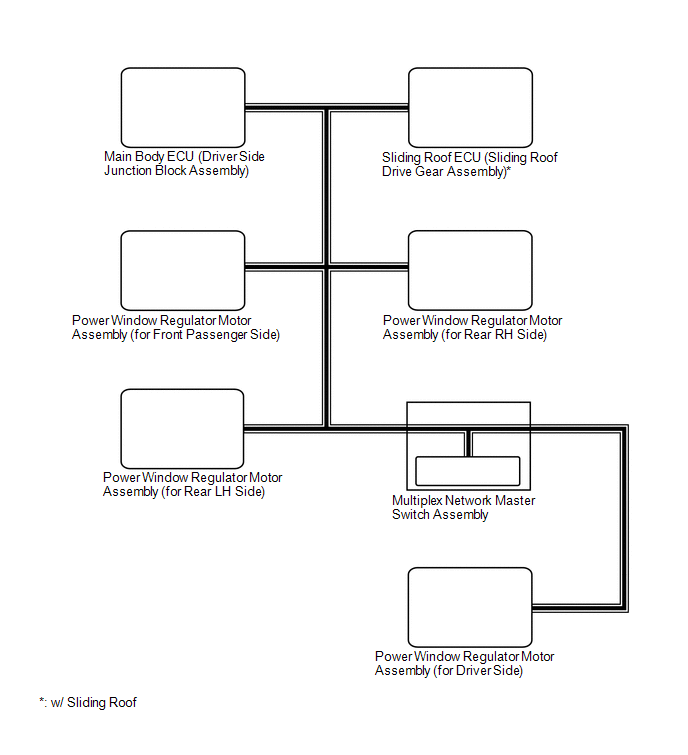
1. DOOR BUS LINES
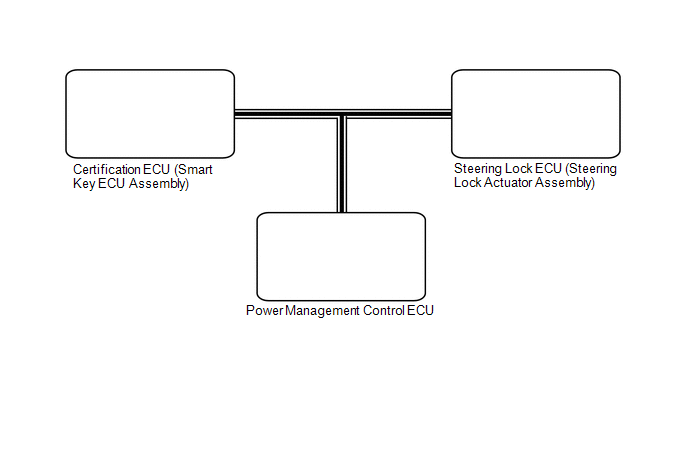
2. CERTIFICATION BUS LINES [w/ Smart Key System]
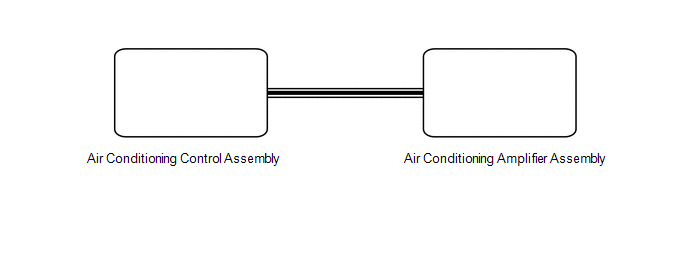
3. AIR CONDITIONING BUS LINES
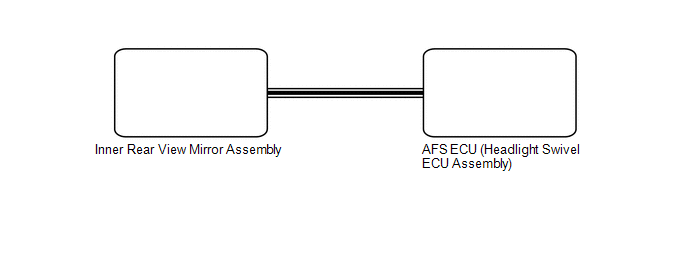
4. LIGHTING BUS LINES [w/ Smart Beam]
 System Description
SYSTEM DESCRIPTION
1. LIN COMMUNICATION SYSTEM DESCRIPTION
The LIN communication system is used for communication between the components
in the table below. If communication cannot be performed th ...
 How To Proceed With Troubleshooting
CAUTION / NOTICE / HINT
HINT:
Use the following procedure to troubleshoot the LIN communication system.
*: Use the Techstream.
PROCEDURE
1.
VEHICLE BROU ...
Other materials about Toyota Venza:
Height Control Sensor Malfunction (B2416)
DESCRIPTION
The DTC is stored when the headlight leveling ECU assembly detects malfunctions
in the rear height control sensor sub-assembly RH power source or rear height control
sensor sub-assembly RH.
DTC No.
DTC Detecting Conditio ...
Intermediate Shaft Speed Sensor "A" Circuit (P0791,P0793)
DESCRIPTION
This sensor detects the rotation speed of the counter gear which shows the output
speed of transaxle. By comparing the input turbine speed signal (NT) with the counter
gear speed sensor signal (NC), the TCM detects the shift timing of the gear ...
Main Body ECU Communication Stop Mode
DESCRIPTION
Detection Item
Symptom
Trouble Area
Main Body ECU Communication Stop Mode
"Main Body" is not displayed on "CAN Bus Check" screen of the
Techstream.
...

0.1609