
Toyota Venza: Parts Location
PARTS LOCATION
ILLUSTRATION
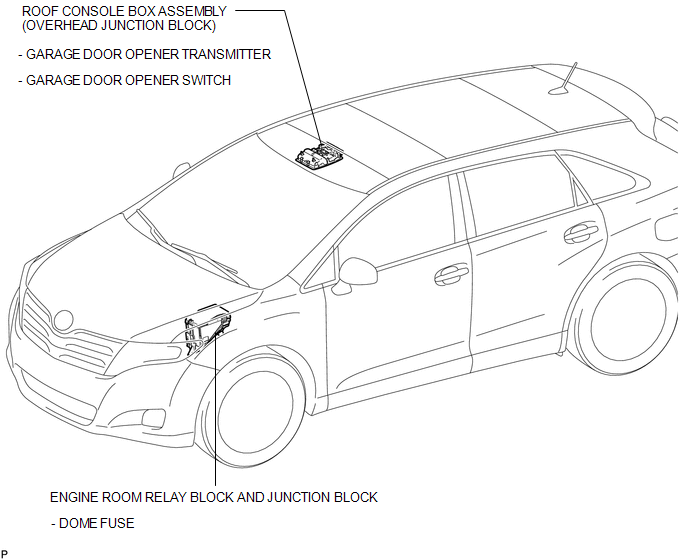

 System Diagram
SYSTEM DIAGRAM
...
Other materials about Toyota Venza:
Installation
INSTALLATION
PROCEDURE
1. INSTALL INSTRUMENT PANEL STAY
(a) Engage the 3 claws to install the 3 instrument panel stays.
2. INSTALL INSTRUMENT PANEL CLIP
(a) Engage the 2 claws to install ...
Intake Manifold Runner Control Stuck Open (Bank 1) (P2004,P2006)
DESCRIPTION
The tumble control valve is built into the intake manifold. The tumble control
valve is composed of a position sensor and a DC motor. The DC motor opens and closes
the tumble control valve in response to signals from the ECM. The position sens ...
Remote Up / Down Function does not Operate
DESCRIPTION
When the ignition switch is ON, the power window regulator master switch assembly
sends remote up/down signals to each power window regulator motor assembly via the
LIN communication line.
WIRING DIAGRAM
CAUTION / NOTICE / HINT
NOTICE:
T ...

0.1576