
Toyota Venza: Components
COMPONENTS
ILLUSTRATION
.png)
ILLUSTRATION
.png)
ILLUSTRATION
.png)
ILLUSTRATION
.png)
ILLUSTRATION
.png)
ILLUSTRATION
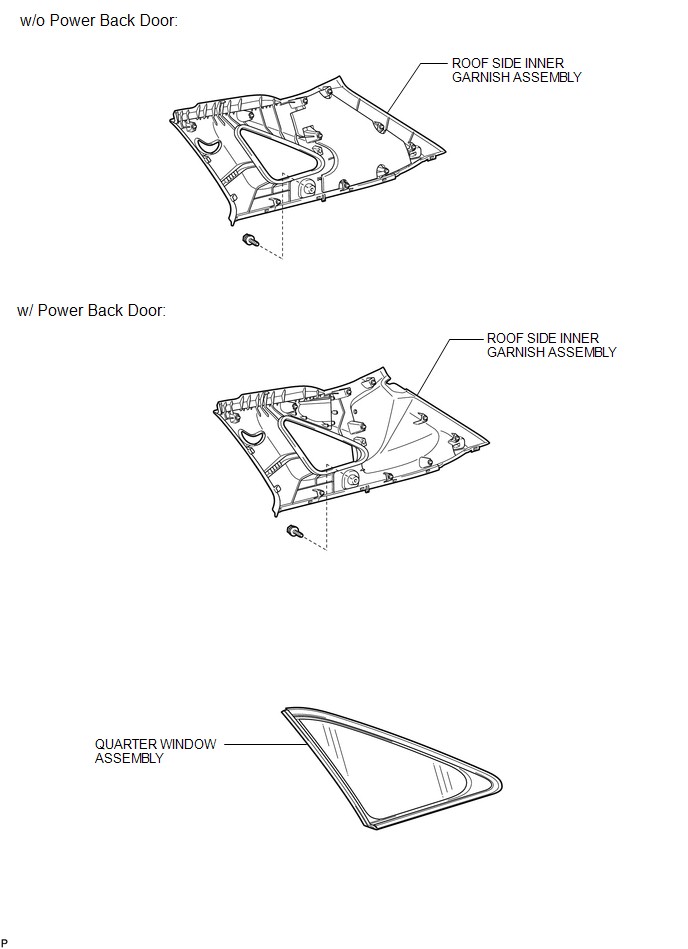

 Removal
REMOVAL
CAUTION / NOTICE / HINT
HINT:
The front side fix window assembly can be reused. When installing the
window, if any of the clips on the quarter window glass are broken, butyl
...
Other materials about Toyota Venza:
Transmission Fluid Pressure Sensor / Switch "E" Circuit Low (P0989,P0990)
DESCRIPTION
ATF pressure switch No. 3 is installed in the lock-up solenoid ATF output passage
and is used to detect a malfunction in the lock-up solenoid.
DTC No.
DTC Detection Condition
Trouble Area
P0989
...
Throttle / Pedal Position Sensor / Switch "D" Circuit Range / Performance (P2121)
DESCRIPTION
Refer to DTC P2120 (See page ).
HINT:
This DTC relates to the accelerator pedal sensor assembly.
DTC No.
DTC Detection Condition
Trouble Area
P2121
Either of following conditions 1 o ...
Audio system types
► Vehicles with Display Audio system
Type A
Type B
Refer to the “Display Audio System Owner’s Manual”.
► Vehicles with a navigation system
Refer to the “Navigation System Owner’s Manual”. ...

0.1378