
Toyota Venza: Components
COMPONENTS
ILLUSTRATION
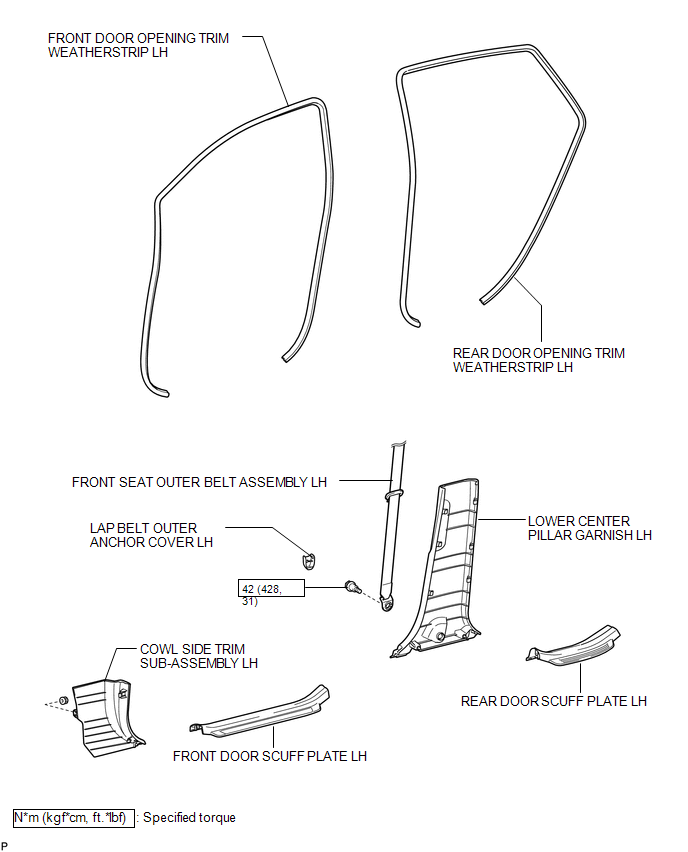
ILLUSTRATION
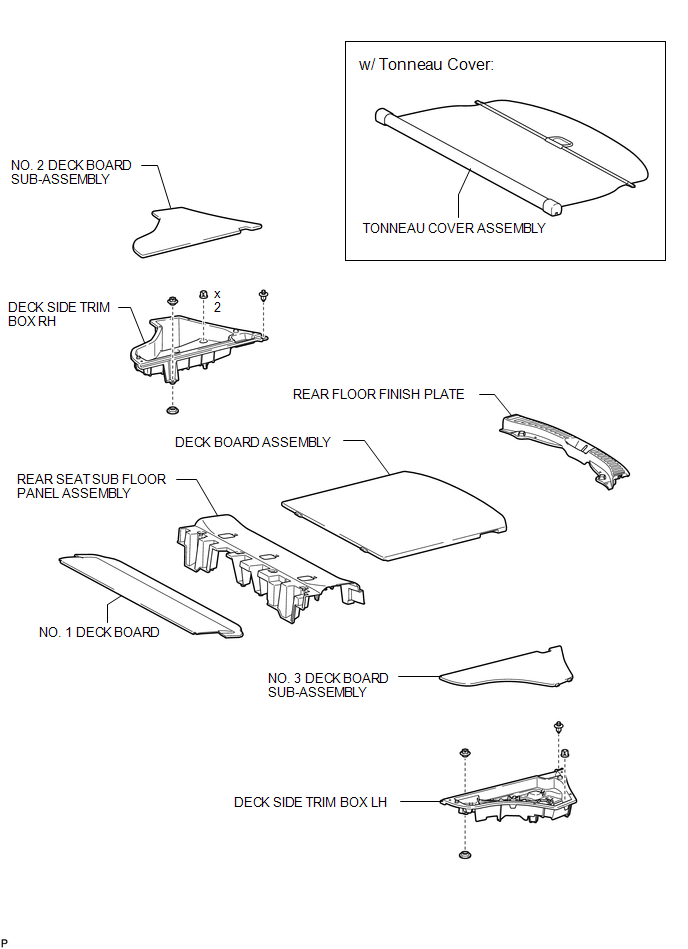
ILLUSTRATION
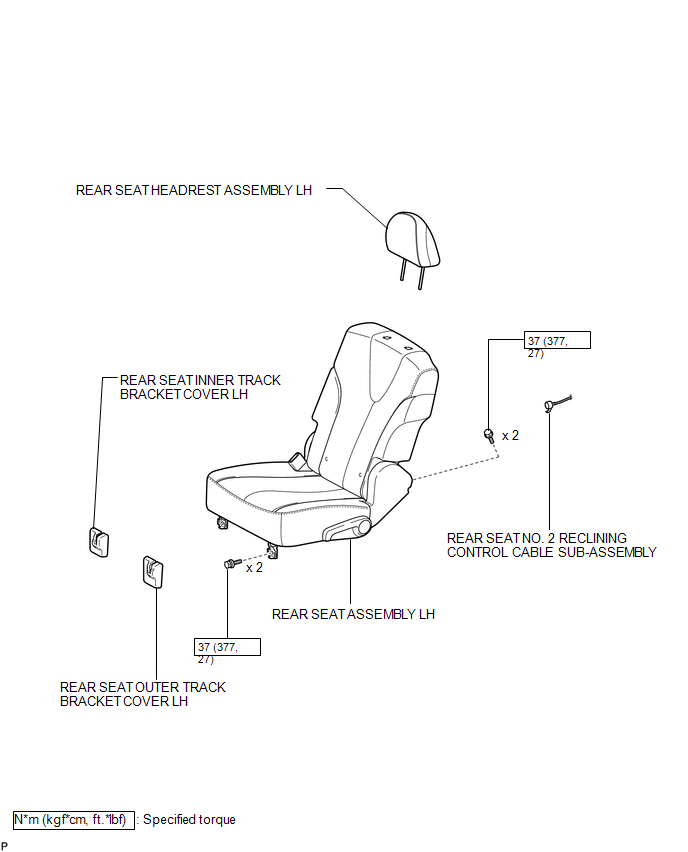
ILLUSTRATION
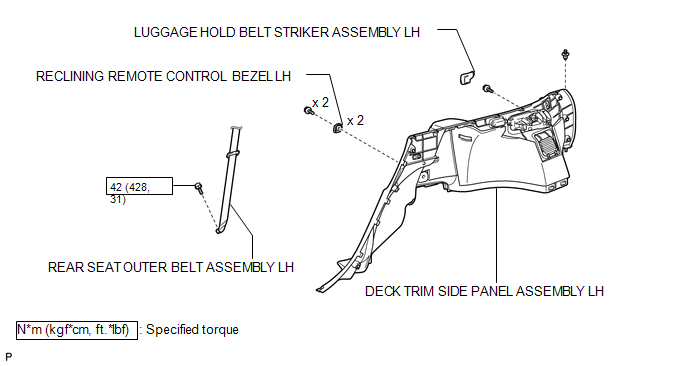
ILLUSTRATION
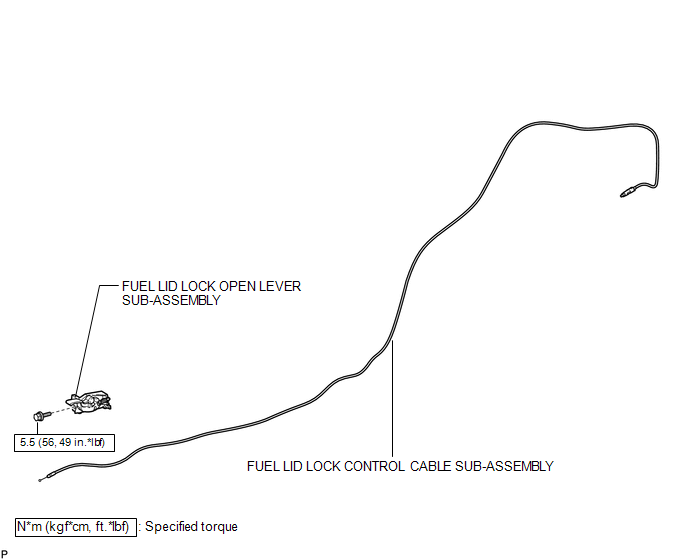

 Removal
REMOVAL
PROCEDURE
1. REMOVE FRONT SEAT ASSEMBLY LH
(See page )
2. REMOVE FRONT DOOR SCUFF PLATE LH
3. REMOVE COWL SIDE TRIM SUB-ASSEMBLY LH
4. REMOVE FRONT DOOR OPENING TRIM WEATHERSTRIP ...
Other materials about Toyota Venza:
Stop Light Switch
Components
COMPONENTS
ILLUSTRATION
Removal
REMOVAL
PROCEDURE
1. REMOVE STOP LIGHT SWITCH ASSEMBLY
(a) Disconnect the connector.
(b) Turn the stop light switch assembly countercl ...
Dinghy towing
Your vehicle is not designed to be dinghy towed (with four wheels on the ground)
behind a motor home.
NOTICE
- To avoid serious damage to your vehicle
Do not tow your vehicle with four wheels on the ground.
- To prevent causing serious dama ...
Bottle holders
► For front seats
► For rear seats
NOTICE
- Items that should not be stowed in the bottle holders
Put the cap on before stowing a bottle. Do not place open bottles in the bottle
holders, or glasses and paper cups containing liquid. ...

1.5797